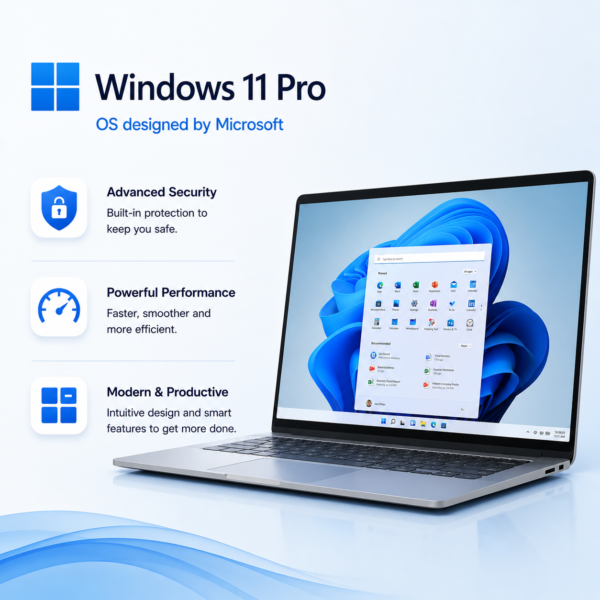
Windows 11 Pro
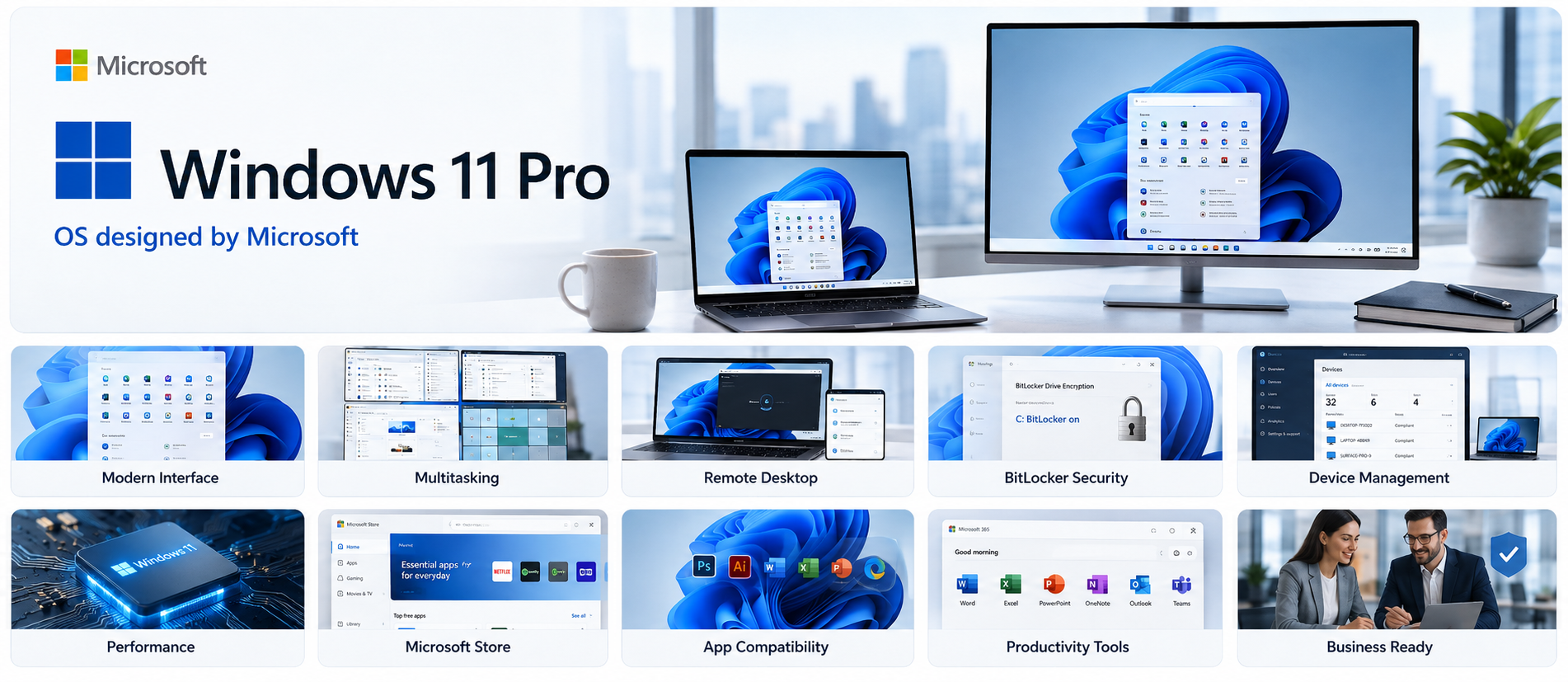
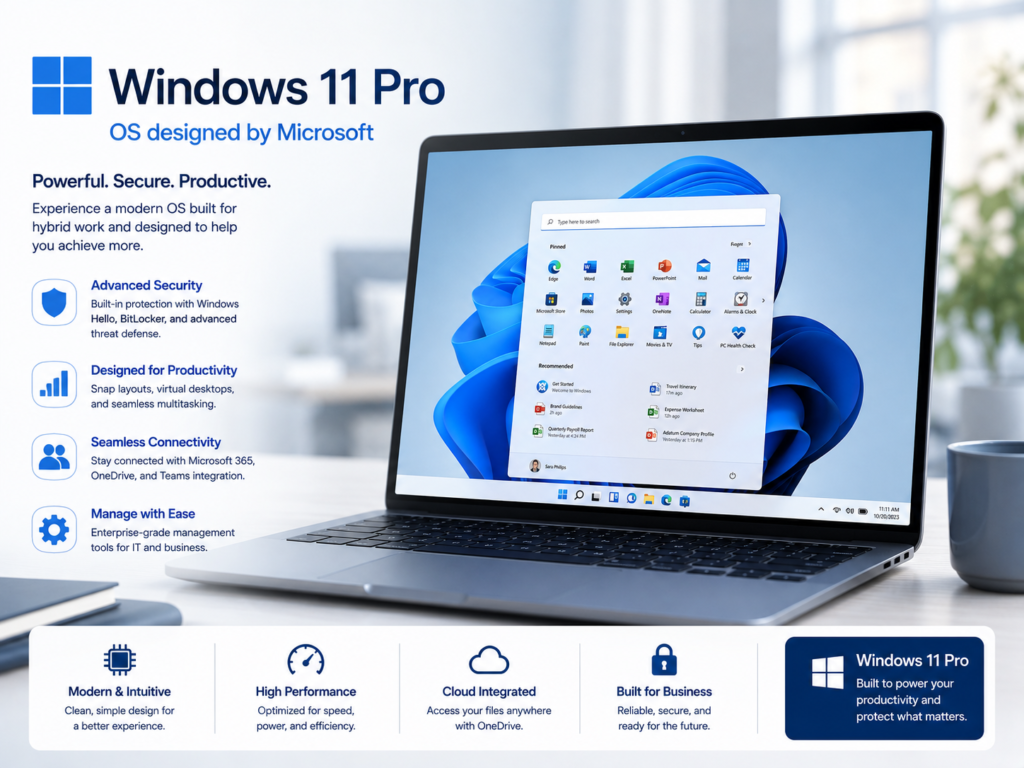
Windows 11 Pro is a professional operating system designed for businesses and power users, offering enhanced security, BitLocker encryption, Remote Desktop, Hyper-V virtualization, Group Policy management, and advanced productivity features for secure and efficient daily work.

Talk to a Licensing Expert
Buy the best software for your business
Trusted by 21000+ Happy & Satisfied Business.
1000+
Software
Free
Consultation
Best Price
Guaranteed
Talk to a Licensing Expert
Buy the best software for your business
Trusted by 21000+ Happy & Satisfied Business.
1000+
Software
Free
Consultation
Best Price
Guaranteed
Talk to a Licensing Expert
- 100% GENUINE PRODUCT STARTUPS
- BEST PRICE GUARANTEE
- DISCOUNTS FOR STARTUPS
Windows 11 Pro
Secure, Professional & Productive Operating System for Businesses
Upgrade your business PCs with Windows 11 Pro, a professional operating system designed for businesses, SMEs, professionals, and power users. Windows 11 Pro provides a modern user experience with advanced security, improved multitasking, BitLocker device encryption, Remote Desktop, Windows Hello for Business, and powerful productivity features to help users work securely and efficiently.
With support for Hyper-V virtualization, Group Policy management, Microsoft Entra ID integration, Windows Update for Business, and centralized device management, Windows 11 Pro helps organizations protect business data, manage company devices, support remote and hybrid work, and improve everyday productivity. Build a secure, reliable, and business-ready computing environment with Windows 11 Pro.
Professional Business Operating System: Windows 11 Pro is designed for businesses, professionals, SMEs, and power users who need a secure, productive, and business-ready operating system for everyday work.
Advanced Security: Protect business devices and sensitive information with built-in security capabilities designed to reduce risks from malware, unauthorized access, and modern cyber threats.
BitLocker Device Encryption: Encrypt system drives and business data with BitLocker to help protect confidential information if a laptop or computer is lost, stolen, or accessed without authorization.
Remote Desktop: Connect securely to your Windows 11 Pro PC from another supported device and access business applications, files, and work resources remotely.
Windows Hello for Business: Use PIN, fingerprint, facial recognition, and supported passwordless sign-in options to improve identity security and simplify access to business devices.
Hyper-V Virtualization: Create and run virtual machines for development, testing, training, and IT workloads using built-in Hyper-V virtualization capabilities available with Windows 11 Pro.
Group Policy Management: Configure security settings, user permissions, device behavior, and business policies more efficiently using Group Policy management tools.
Microsoft Entra ID Integration: Connect supported business devices to Microsoft Entra ID for centralized identity management, secure organizational access, and cloud-based authentication.
Windows Update for Business: Manage operating system updates, security patches, and deployment schedules to keep business devices protected, current, and productive.
Business Productivity & Device Management: Use Windows 11 Pro to support secure office, remote, and hybrid work with multitasking tools, Microsoft management integration, centralized device control, and a modern business computing experience.
Get Windows 11 Pro for Your Business
Windows 11 Pro helps businesses create a secure, productive, and modern computing environment for employees and professional users. Get advanced security features, BitLocker device encryption, Remote Desktop, Windows Hello for Business, improved multitasking, and powerful productivity tools designed to support everyday business operations.
Businesses can use Windows 11 Pro to manage company PCs, protect sensitive information, support office, remote, and hybrid work, and improve IT administration with Group Policy, Hyper-V virtualization, Microsoft Entra ID integration, and Windows Update for Business. Software License Hub provides genuine Windows 11 Pro licensing in India with GST invoices, competitive pricing, professional installation guidance, licence assistance, and reliable technical support.
Work smarter, stay secure with Windows 11 Pro
Transform your business computing experience with Windows 11 Pro, a professional operating system designed for businesses, SMEs, professionals, and power users. Get advanced security, BitLocker device encryption, Remote Desktop, Windows Hello for Business, improved multitasking, and productivity tools that help employees work securely and efficiently across office, remote, and hybrid environments.
With Group Policy management, Hyper-V virtualization, Microsoft Entra ID integration, Windows Update for Business, and centralized device management capabilities, Windows 11 Pro helps organizations protect sensitive data, manage business PCs, strengthen endpoint security, simplify IT administration, and build a secure, reliable, and business-ready Windows environment that supports productivity and long-term organizational growth.
• Windows 11 Pro is a professional operating system designed for businesses, SMEs, enterprises, professionals, and power users that need advanced security, productivity, remote access, and centralized device management.
• Use BitLocker device encryption to help protect sensitive business data and reduce the risk of unauthorized access if a laptop or computer is lost or stolen.
• Access business PCs remotely with Remote Desktop, allowing authorized users to connect to work applications, files, and systems from supported remote devices.
• Use Windows Hello for Business with PIN, fingerprint, facial recognition, and supported passwordless sign-in methods to improve identity security and simplify user access.
• Run virtual machines with Hyper-V virtualization for development, testing, training, isolated environments, and other professional IT workloads.
• Manage security settings, user permissions, device behavior, and organizational policies through Group Policy to improve centralized IT administration and control.
• Connect supported Windows 11 Pro devices to Microsoft Entra ID and other Microsoft management services for cloud-based identity, access management, and organizational device control.
• Use Windows Update for Business to manage operating system updates, security patches, and deployment schedules while helping keep business devices current and protected.
• Windows 11 Pro features, hardware compatibility, virtualization support, security capabilities, device management options, and licensing requirements may vary depending on the system configuration and business environment.
• Software License Hub provides genuine Windows 11 Pro licensing in India with GST invoices, competitive pricing, professional installation guidance, licence assistance, activation support, and reliable technical service for business requirements.
FREQUENTLY ASKED QUESTIONS
What is Windows 11 Pro?
Windows 11 Pro is a professional operating system designed for businesses, SMEs, professionals, and power users who need advanced security, productivity, remote access, virtualization, and device management features.
Who should choose Windows 11 Pro?
Windows 11 Pro is ideal for businesses, professionals, IT teams, remote workers, and organizations that need stronger security, centralized management, Remote Desktop, BitLocker encryption, and advanced business features.
What data can be migrated from IBM Lotus Notes to Microsoft 365?
Windows 11 Pro includes business-focused features such as BitLocker device encryption, Remote Desktop, Hyper-V virtualization, Group Policy, Windows Hello for Business, Microsoft Entra ID integration, and Windows Update for Business.
Does Windows 11 Pro include BitLocker encryption?
Yes. Windows 11 Pro includes BitLocker device encryption to help protect sensitive business data from unauthorized access if a computer or laptop is lost, stolen, or compromised.
Can I use Remote Desktop with Windows 11 Pro?
Yes. Windows 11 Pro supports Remote Desktop host functionality, allowing authorized users to securely connect to their business PC and access files, applications, and work resources remotely.
Yes. Windows 11 Pro supports Hyper-V virtualization on compatible hardware, allowing users to create and run virtual machines for testing, development, training, and professional IT workloads.
Why buy Windows 11 Pro from Software License Hub?
Software License Hub provides genuine Windows 11 Pro licensing in India with GST invoices, competitive pricing, professional licence guidance, installation assistance, activation support, and reliable technical service.
Specification: Windows 11 Pro
|
User Reviews
Be the first to review “Windows 11 Pro” Cancel reply
Features:
Enhanced Security
Protect business devices with advanced security
Use BitLocker device encryption
Support secure boot and hardware-based protection
BitLocker Encryption
Encrypt drives and protect business data
Reduce risk from lost or stolen devices
Manage recovery options securely
Remote Desktop
Connect to your PC remotely
Access work files and applications from another device
Support remote and hybrid working
Windows Hello for Business
Sign in with PIN or biometric authentication
Reduce dependency on traditional passwords
Improve identity and device security
Hyper-V Virtualization
Create and run virtual machines
Test applications in isolated environments
Support development and IT workloads
Group Policy Management
Configure business device settings centrally
Apply security and user policies
Improve IT administration and control
Azure AD / Entra ID Join
Connect business devices to Microsoft Entra ID
Manage organizational user access
Support cloud-based identity management
Windows Update for Business
Manage business device updates
Control update deployment schedules
Keep systems secure and up to date
Business Productivity
Run professional business applications
Use Snap Layouts and multitasking tools
Improve everyday workflow efficiency
Enterprise Device Management
Support mobile device and endpoint management
Integrate with Microsoft management tools
Manage business PCs across the organization


There are no reviews yet.