Copilot
G Suite to M365 is a professional Google Workspace to Microsoft 365 migration service that helps businesses securely move Gmail, Google Drive, Shared Drives, Calendar, Contacts, and user data to Outlook, Exchange Online, OneDrive, SharePoint, and Teams with minimal downtime and post-migration support.

Talk to a Licensing Expert
Buy the best software for your business
Trusted by 21000+ Happy & Satisfied Business.
1000+
Software
Free
Consultation
Best Price
Guaranteed
Talk to a Licensing Expert
Buy the best software for your business
Trusted by 21000+ Happy & Satisfied Business.
1000+
Software
Free
Consultation
Best Price
Guaranteed
Talk to a Licensing Expert
- 100% GENUINE PRODUCT STARTUPS
- BEST PRICE GUARANTEE
- DISCOUNTS FOR STARTUPS
Microsoft Copilot
AI-Powered Productivity, Content Creation & Business Assistance
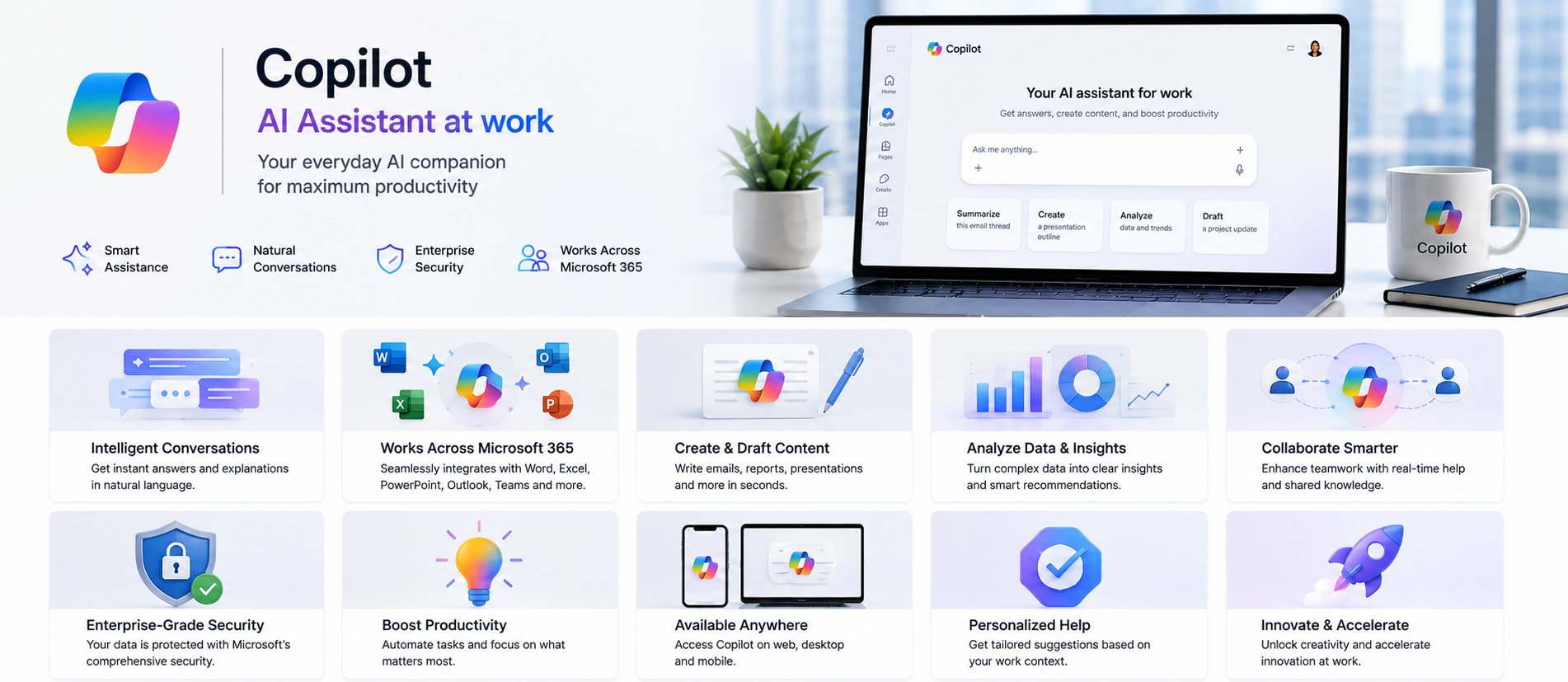
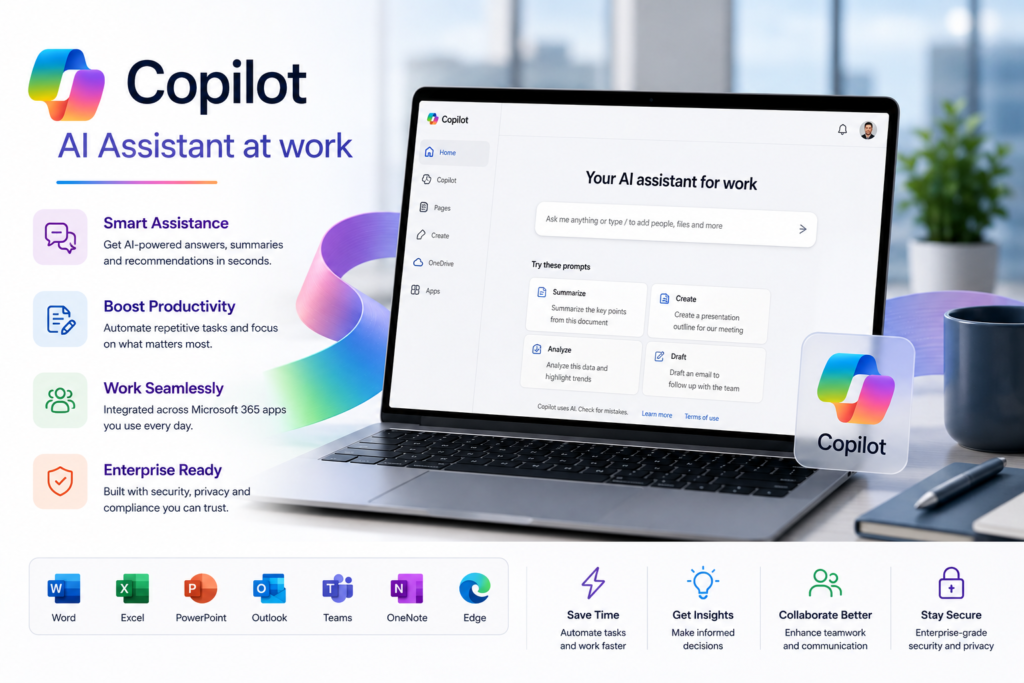
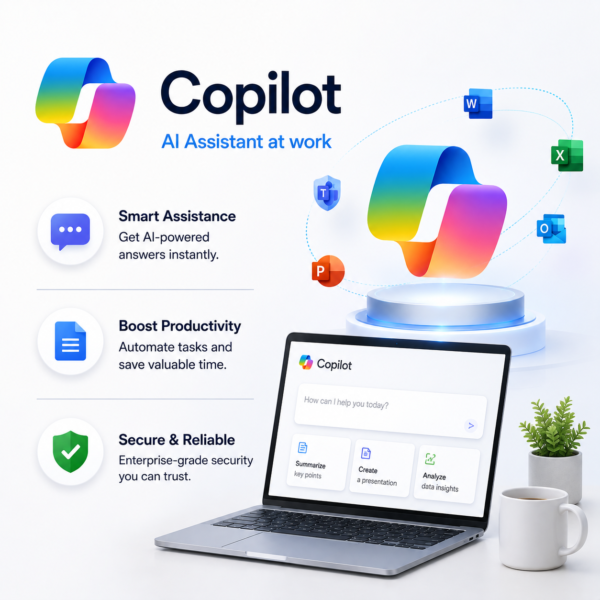
Transform everyday business work with Microsoft Copilot, an AI-powered productivity assistant designed to help professionals create content, summarize information, analyze data, draft emails, prepare presentations, and complete routine tasks faster. Copilot works across supported Microsoft 365 applications such as Word, Excel, PowerPoint, Outlook, and Teams to help users save time and improve productivity.
Microsoft Copilot helps businesses turn information into useful insights, simplify communication, accelerate document creation, support data analysis, and improve collaboration across teams. With Microsoft 365 integration and enterprise-grade security controls, Copilot provides a secure and intelligent AI experience for office, remote, and hybrid work environments while helping organizations improve efficiency and make smarter business decisions.
AI-Powered Work Assistance: Use Microsoft Copilot to support everyday business tasks with AI-powered suggestions, content generation, summarization, research, and productivity assistance across supported Microsoft 365 applications.
Copilot in Word: Draft, rewrite, summarize, and improve business documents with AI assistance. Create reports, proposals, letters, and professional content faster while maintaining clear and consistent communication.
Copilot in Excel: Analyze business data, identify trends, explore patterns, generate insights, and work with spreadsheet information more efficiently using AI-assisted data analysis.
Copilot in PowerPoint: Create presentations from prompts or existing documents, summarize slide content, improve presentation structure, and generate professional business presentations faster.
Copilot in Outlook: Draft professional emails, summarize long email conversations, organize communication, and respond more efficiently to customers, colleagues, and business contacts.
Copilot in Microsoft Teams: Summarize meetings, identify key discussion points, capture action items, review conversations, and help teams stay informed before, during, and after meetings.
AI Chat & Business Insights: Ask natural-language questions, summarize information, explore ideas, and generate useful business insights using Microsoft Copilot and supported organizational context.
Research & Content Creation: Use Copilot to assist with business research, brainstorming, reports, marketing content, summaries, proposals, presentations, and other professional content creation tasks.
Microsoft 365 Integration: Work with Copilot across supported Microsoft 365 apps including Word, Excel, PowerPoint, Outlook, Teams, and other connected Microsoft services for a more integrated AI-powered workflow.
Enterprise Security & Productivity: Use Microsoft Copilot within Microsoft’s enterprise security and compliance environment to improve employee productivity, accelerate decision-making, simplify repetitive work, and support secure AI adoption across office, remote, and hybrid teams.
Get Microsoft Copilot for Your Business
Microsoft Copilot helps businesses improve productivity with AI-powered assistance across supported Microsoft 365 applications. Create and summarize documents in Word, analyze data in Excel, build presentations in PowerPoint, draft emails in Outlook, and review meetings and conversations in Microsoft Teams. Copilot helps employees complete everyday tasks faster, reduce repetitive work, and turn business information into useful insights.
Businesses can use Microsoft Copilot to simplify content creation, research, reporting, communication, data analysis, and team collaboration. With integration across Microsoft 365 and enterprise security controls, Copilot helps organizations improve efficiency, support smarter decision-making, and build a secure AI-powered workplace for office, remote, and hybrid teams.
Work smarter, create faster with Microsoft Copilot
Transform your business productivity with Microsoft Copilot, an AI-powered assistant designed to help teams work faster and smarter. Create content in Word, analyze data in Excel, build presentations in PowerPoint, draft emails in Outlook, and summarize meetings and conversations in Microsoft Teams. Microsoft Copilot helps employees reduce manual work, improve efficiency, and make better decisions across everyday business tasks.
With intelligent AI assistance, secure Microsoft 365 integration, and support for office, remote, and hybrid work, Microsoft Copilot helps businesses streamline communication, improve collaboration, generate insights, and increase productivity. Empower your team to save time, boost creativity, and work more efficiently with a connected AI experience across your Microsoft business environment.
• Microsoft Copilot is an AI-powered productivity assistant designed for businesses, SMEs, enterprises, professionals, and teams that want to improve content creation, communication, data analysis, collaboration, and everyday work efficiency.
• Use Copilot in Microsoft Word to draft, rewrite, summarize, and improve business documents, reports, proposals, letters, and other professional content more efficiently.
• Use Copilot in Microsoft Excel to analyze business data, identify trends, explore patterns, summarize information, and generate useful insights for faster data-driven decision-making.
• Create and improve presentations with Copilot in Microsoft PowerPoint by generating slide content, summarizing information, organizing ideas, and building professional presentations from prompts or existing documents.
• Use Copilot in Microsoft Outlook to draft professional emails, summarize long email conversations, organize communication, and respond more efficiently to customers, colleagues, and business contacts.
• Copilot in Microsoft Teams can help summarize meetings, identify key discussion points, highlight action items, review conversations, and improve collaboration across office, remote, and hybrid teams.
• Use AI-powered chat and natural-language prompts to research information, summarize business content, generate ideas, create reports, and simplify complex tasks across supported Microsoft 365 environments.
• Integrate Microsoft Copilot with supported Microsoft 365 applications such as Word, Excel, PowerPoint, Outlook, Teams, and other connected services to create a unified AI-powered productivity experience.
• Copilot features, AI capabilities, application availability, organizational data access, security controls, usage limits, and administration options may vary depending on the selected Microsoft Copilot or Microsoft 365 plan.
• Software License Hub provides Microsoft Copilot and Microsoft 365 licensing in India with GST invoices, competitive pricing, professional setup assistance, licence guidance, deployment support, user onboarding, and reliable technical assistance for business AI productivity requirements.
FREQUENTLY ASKED QUESTIONS
What is Microsoft Power BI?
Microsoft Power BI is a business intelligence and data visualization platform that helps organizations connect, analyze, and visualize business data through interactive dashboards, reports, charts, and KPIs.
Who should choose Microsoft Power BI?
Power BI is ideal for businesses, analysts, finance teams, sales teams, managers, executives, and enterprises that need professional reporting, data visualization, performance tracking, and data-driven business insights.
What data sources can be connected to Power BI?
Power BI can connect to Excel, SQL databases, Microsoft Azure, cloud applications, ERP systems, CRM platforms, SharePoint, and many other supported business data sources for centralized reporting and analysis.
Can Power BI create interactive dashboards and reports?
Yes. Power BI allows businesses to create interactive dashboards, graphs, charts, maps, tables, KPI cards, and professional reports that make complex business data easier to understand and analyze.
Can Power BI integrate with Microsoft 365 and Excel?
Yes. Power BI integrates with Microsoft Excel, Teams, SharePoint, Azure, and other Microsoft services, helping businesses create a connected analytics, reporting, and collaboration environment.
Can Power BI reports and dashboards be shared securely?
Yes. Power BI allows authorized users to securely share dashboards and reports with employees, managers, and stakeholders while controlling access permissions and protecting sensitive business information.
Why buy Power BI from Software License Hub?
Software License Hub provides Microsoft Power BI licensing in India with GST invoices, competitive pricing, professional setup assistance, licence guidance, deployment support, and reliable technical assistance for business intelligence and data analytics requirements.
Specification: Copilot
|
User Reviews
Be the first to review “Copilot” Cancel reply
Features:
AI-Powered Work Assistant
Get AI assistance across daily business tasks
Ask questions using natural language
Improve productivity with contextual suggestions
Copilot in Microsoft Word
Draft and rewrite business documents
Summarize long content quickly
Improve writing quality and clarity
Copilot in Microsoft Excel
Analyze business data with AI
Explore trends and patterns faster
Create insights from spreadsheets
Copilot in PowerPoint
Create presentations from prompts
Summarize existing presentation content
Improve slide structure and storytelling
Copilot in Outlook
Summarize email conversations
Draft professional email responses
Manage inbox communication more efficiently
Copilot in Microsoft Teams
Summarize meetings and discussions
Identify action items and key points
Get answers from meeting context
Work-Grounded AI Chat
Ask questions about business information
Use work context from files and conversations
Get relevant AI assistance based on work data
AI Research & Data Analysis
Use reasoning AI for research tasks
Analyze complex business information
Generate useful summaries and insights
AI Agents
Use pre-built Microsoft agents
Automate selected business workflows
Support research, analysis, and collaboration tasks
Enterprise Security & Privacy
Protect business data with enterprise-grade controls
Maintain Microsoft 365 security and compliance
Use Copilot within secure organizational boundaries




There are no reviews yet.