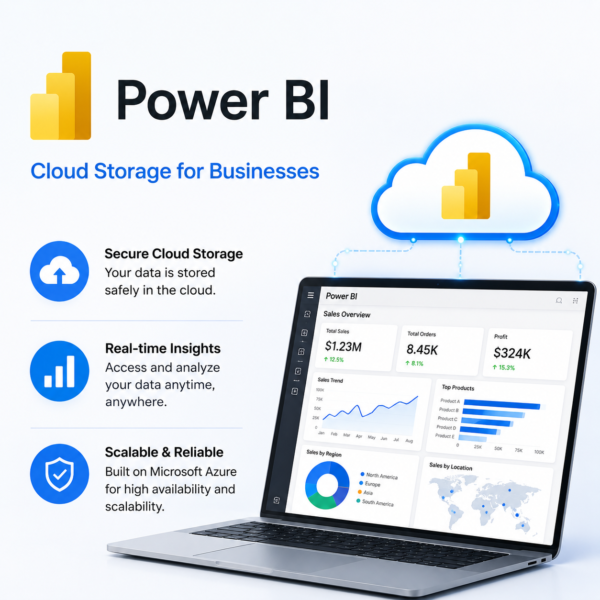
Power BI
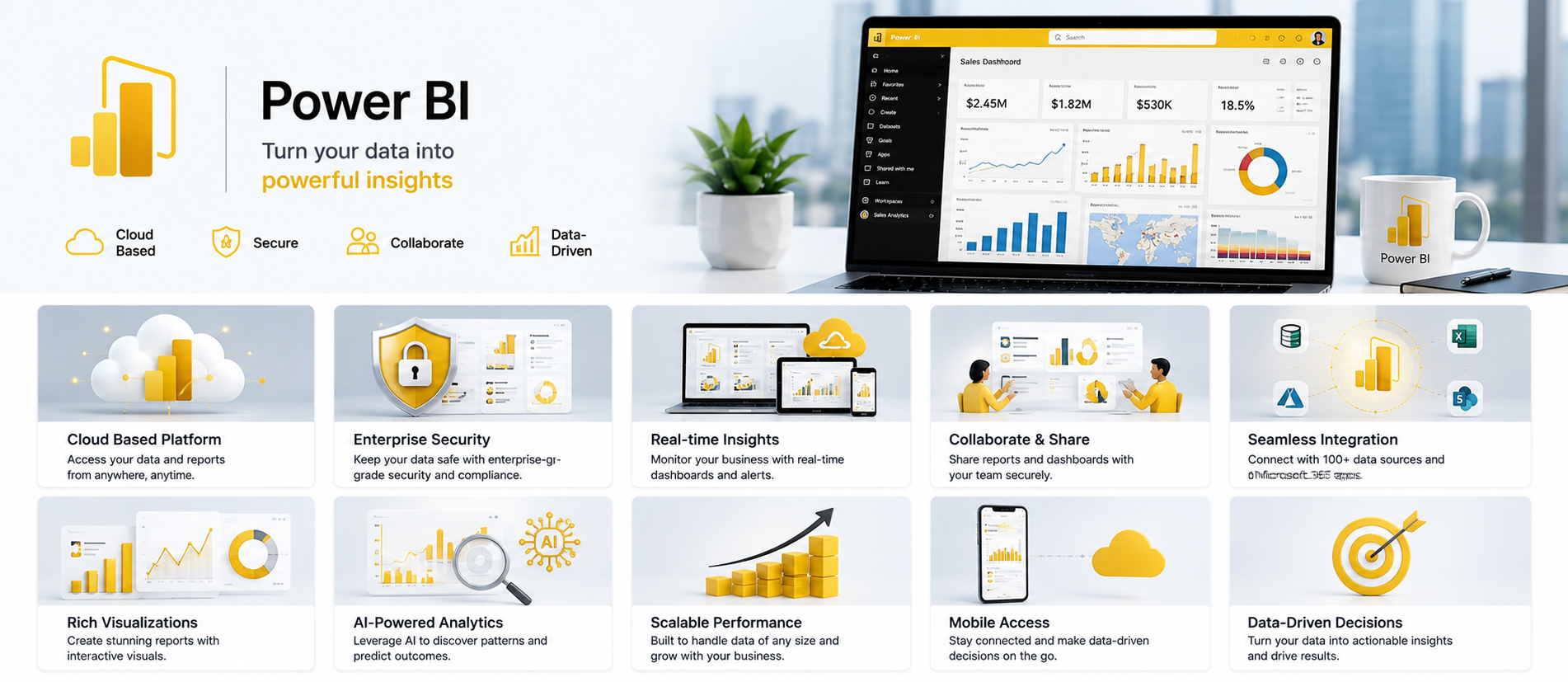
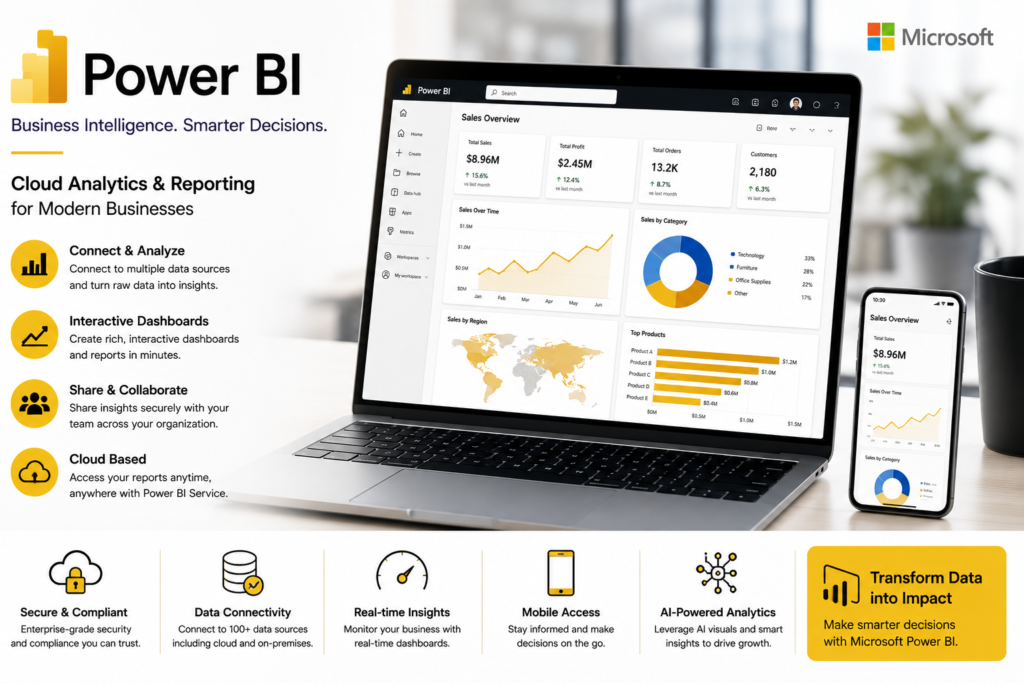
Power BI is a business intelligence and data visualization platform that helps businesses connect multiple data sources, create interactive dashboards, analyze performance, track KPIs, and turn complex data into clear, actionable insights for faster and smarter decision-making.

Talk to a Licensing Expert
Buy the best software for your business
Trusted by 21000+ Happy & Satisfied Business.
1000+
Software
Free
Consultation
Best Price
Guaranteed
Talk to a Licensing Expert
Buy the best software for your business
Trusted by 21000+ Happy & Satisfied Business.
1000+
Software
Free
Consultation
Best Price
Guaranteed
Talk to a Licensing Expert
- 100% GENUINE PRODUCT STARTUPS
- BEST PRICE GUARANTEE
- DISCOUNTS FOR STARTUPS
Power BI
Business Intelligence, Data Analytics & Interactive Visualization Platform
Turn complex business data into clear and actionable insights with Microsoft Power BI, a powerful business intelligence and data visualization platform designed for modern organizations. Connect data from Excel, databases, cloud services, and multiple business systems to create interactive dashboards, reports, charts, KPIs, and performance analytics for faster decision-making.
With powerful data modeling, Power Query, AI-assisted analytics, real-time reporting, and integration with Microsoft 365, Teams, Excel, and Azure, Power BI helps businesses monitor performance, identify trends, uncover opportunities, and share insights securely across teams. Build a connected analytics environment that improves reporting, strengthens data-driven decision-making, and supports long-term business growth.
Interactive Dashboards: Create dynamic and visually engaging Power BI dashboards to monitor business performance, KPIs, sales, finance, operations, and other important metrics from one centralized view.
Data Visualization: Transform complex business data into easy-to-understand charts, graphs, maps, tables, and visual reports that help teams identify trends, patterns, and opportunities faster.
Multiple Data Source Connectivity: Connect Power BI with Excel, SQL databases, cloud applications, Azure services, and other supported business data sources to bring information together for unified analysis.
Power Query & Data Preparation: Import, clean, transform, and organize business data with Power Query to prepare accurate datasets for reporting, dashboards, and business intelligence analysis.
Advanced Data Modeling: Build relationships between different datasets, create calculated columns and measures, and use powerful modeling capabilities to analyze complex business information efficiently.
Real-Time Analytics: Monitor operational data and important business metrics through regularly refreshed or supported real-time dashboards to help decision-makers respond faster to changing conditions.
AI-Powered Insights: Use AI-assisted analytics and intelligent Power BI capabilities to discover trends, identify patterns, summarize information, and uncover valuable business insights from large datasets.
Secure Report Sharing: Share Power BI dashboards and reports with authorized employees, managers, and stakeholders while controlling access permissions and protecting sensitive business information.
Microsoft 365 & Azure Integration: Connect Power BI with Microsoft Excel, Teams, SharePoint, Azure, and other Microsoft services to create a connected business analytics and collaboration environment.
Business Intelligence & Decision-Making: Use Power BI to simplify reporting, track KPIs, analyze sales and financial performance, identify opportunities, and turn business data into actionable insights that support smarter and faster decision-making.
Get Power BI for Your Business
Power BI helps businesses transform complex data into clear, interactive dashboards and actionable insights. Connect information from Excel, databases, cloud services, and other supported data sources to monitor KPIs, analyze performance, identify trends, and create professional business reports. Power BI gives managers, analysts, and teams a powerful way to understand business data and make faster, data-driven decisions.
Businesses can use Power BI to centralize reporting, automate data preparation, create advanced visualizations, share dashboards securely, and collaborate on analytics across teams. With integration across Microsoft 365, Excel, Teams, SharePoint, and Azure, Power BI helps organizations improve reporting efficiency, track sales and financial performance, uncover growth opportunities, and build a scalable business intelligence environment.
Work smarter, analyze faster with Power BI
Transform the way your business collects, analyzes, and uses data with Power BI, a powerful business intelligence solution built for modern organizations. Connect data from Excel, databases, cloud applications, ERP systems, CRM platforms, and other supported sources to create interactive dashboards, real-time reports, and meaningful visual insights. Power BI helps businesses monitor performance, track KPIs, identify trends, and make faster, more informed decisions.
With seamless integration across Microsoft 365, Excel, Teams, SharePoint, and Azure, Power BI helps businesses improve reporting efficiency, simplify data analysis, and strengthen collaboration across teams. Use Power BI to centralize business reporting, automate data visualization, securely share dashboards, and turn complex business data into clear insights that support sales growth, financial planning, operational efficiency, and smarter decision-making.
• Power BI is a powerful business intelligence, data analytics, reporting, and visualization platform designed for startups, SMEs, enterprises, analysts, finance teams, managers, and organizations that want to turn business data into actionable insights.
• Connect Power BI with Excel, SQL databases, Microsoft Azure, cloud applications, ERP systems, CRM platforms, and other supported data sources to centralize business information for analysis and reporting.
• Create interactive dashboards, charts, graphs, maps, KPI cards, tables, and visual reports that help teams understand complex data, monitor performance, and identify important business trends.
• Use Power Query to import, clean, transform, and prepare business data efficiently before creating dashboards, reports, and analytical models.
• Build advanced data models by creating relationships between datasets, calculated columns, measures, and business logic to support accurate and detailed analysis.
• Monitor sales, finance, operations, marketing, inventory, customer performance, and other key business metrics through regularly refreshed dashboards and real-time analytics capabilities where supported.
• Integrate Power BI with Microsoft 365, Excel, Teams, SharePoint, and Azure to create a connected analytics and collaboration environment for modern businesses.
• Share dashboards and reports securely with authorized employees, managers, and stakeholders while controlling access permissions and protecting sensitive business information.
• Power BI capabilities, sharing options, collaboration features, refresh limits, AI features, storage, and administration controls may vary depending on the selected Power BI licence or Microsoft subscription.
• Software License Hub provides Power BI licensing in India with GST invoices, competitive pricing, professional setup assistance, licence guidance, deployment support, and reliable technical assistance for business intelligence and data analytics requirements.
FREQUENTLY ASKED QUESTIONS
What is Power BI?
Power BI is Microsoft’s business intelligence and data visualization platform that helps organizations connect data, create interactive dashboards, analyze performance, track KPIs, and turn complex information into actionable business insights.
Who should choose Power BI?
Power BI is ideal for businesses, analysts, finance teams, sales teams, managers, executives, and enterprises that need interactive dashboards, automated reporting, data visualization, and data-driven decision-making.
What data sources can I connect to Power BI?
Power BI can connect to Excel, SQL databases, Microsoft Azure, cloud applications, ERP systems, CRM platforms, and many other supported business data sources for centralized reporting and analysis.
Can Power BI create interactive dashboards and reports?
Yes. Power BI allows users to create interactive dashboards, charts, graphs, maps, KPI cards, tables, and detailed reports that make business data easier to understand and analyze.
Does Power BI support real-time data analytics?
Yes. Power BI supports regularly refreshed data and real-time or near real-time analytics scenarios where supported, helping businesses monitor important metrics and respond faster to changing information.
Yes. Power BI integrates with Microsoft Excel, Teams, SharePoint, Azure, and other Microsoft services, helping organizations build a connected business analytics and collaboration environment.
Why buy Power BI from Software License Hub?
Software License Hub provides Power BI licensing in India with GST invoices, competitive pricing, professional setup assistance, licence guidance, deployment support, and reliable technical assistance for business intelligence and data analytics requirements.
Specification: Power BI
|
User Reviews
Be the first to review “Power BI” Cancel reply
Features:
Interactive Dashboards
Create interactive business dashboards
Visualize KPIs and performance metrics
Track important business data in real time
Data Visualization
Create charts, graphs, maps, and reports
Present complex data visually
Build professional business analytics reports
Multiple Data Sources
Connect to Excel, databases, and cloud services
Combine data from multiple business systems
Create unified reports from different data sources
Data Modeling
Build relationships between business data
Create calculated measures and columns
Organize data for accurate analysis
Power Query
Import and transform business data
Clean and prepare datasets efficiently
Automate repetitive data preparation tasks
AI-Powered Analytics
Discover patterns and business insights
Use intelligent analytics capabilities
Make faster data-driven decisions
Real-Time Reporting
Monitor changing business information
Track operational performance quickly
Keep dashboards updated with connected data
Team Collaboration
Share dashboards and reports securely
Collaborate with business teams
Integrate analytics into Microsoft Teams
Microsoft 365 Integration
Connect Power BI with Excel and Teams
Work with Microsoft cloud services
Create a connected business analytics environment
Secure Business Intelligence
Manage report and dashboard access
Control user permissions and data visibility
Protect sensitive business analytics information



There are no reviews yet.