Microsoft 365
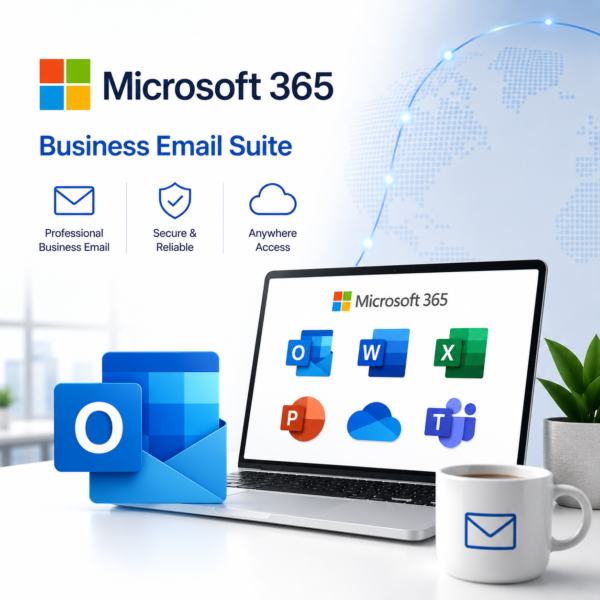
Microsoft 365 is a cloud-based productivity and collaboration suite that helps businesses work efficiently with Word, Excel, PowerPoint, Outlook, Teams, OneDrive, SharePoint, business email, cloud storage, and secure collaboration tools in one connected platform.

Talk to a Licensing Expert
Buy the best software for your business
Trusted by 21000+ Happy & Satisfied Business.
1000+
Software
Free
Consultation
Best Price
Guaranteed
Talk to a Licensing Expert
Buy the best software for your business
Trusted by 21000+ Happy & Satisfied Business.
1000+
Software
Free
Consultation
Best Price
Guaranteed
Talk to a Licensing Expert
- 100% GENUINE PRODUCT STARTUPS
- BEST PRICE GUARANTEE
- DISCOUNTS FOR STARTUPS
Microsoft 365
Complete Business Productivity, Collaboration & Cloud Solution
Empower your business with Microsoft 365, a complete cloud-based productivity and collaboration suite designed for modern organizations. Work efficiently with Microsoft Word, Excel, PowerPoint, Outlook, Teams, OneDrive, SharePoint, and other connected business tools for email, document creation, meetings, cloud storage, and team collaboration.
Microsoft 365 helps businesses improve productivity, enable secure remote work, simplify communication, manage files in the cloud, and collaborate in real time across supported devices. With centralized administration, business email, cloud storage, security controls, and flexible subscription plans, Microsoft 365 provides a reliable and scalable solution for startups, SMEs, enterprises, and professional teams looking to modernize everyday business operations.
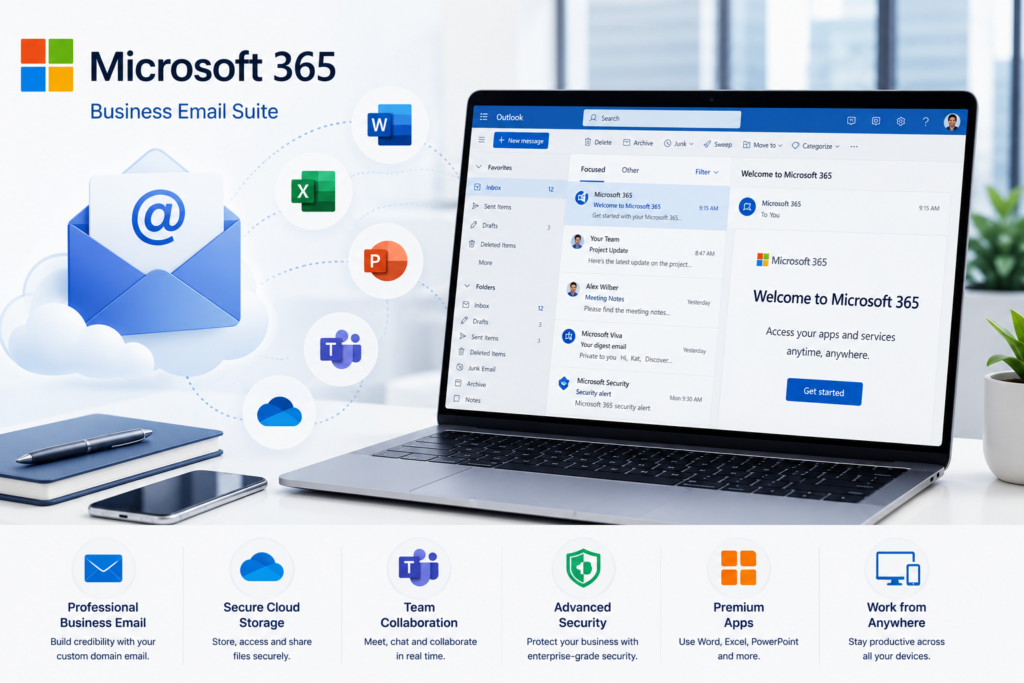
Business Productivity Suite: Empower your organization with Microsoft 365, a complete cloud-based productivity platform that brings together Word, Excel, PowerPoint, Outlook, Teams, OneDrive, SharePoint, and other business tools in one connected environment.
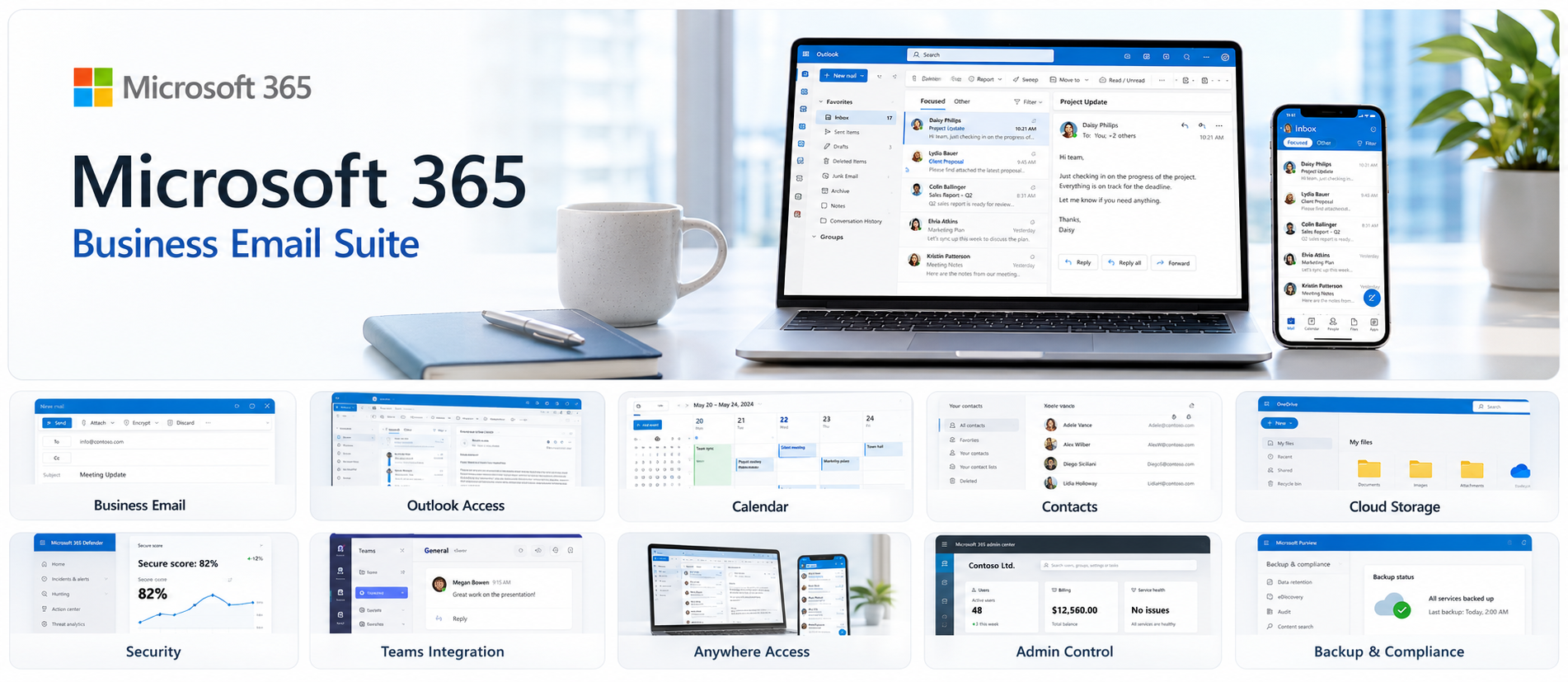
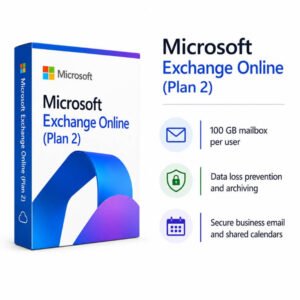
Professional Business Email: Manage secure business communication with Microsoft Outlook and Exchange Online. Use custom domain email, shared calendars, contacts, scheduling, and professional mailbox features to improve everyday communication.
Microsoft Teams Collaboration: Connect employees through chat, video meetings, calls, channels, and file sharing. Microsoft Teams helps businesses collaborate efficiently across office, remote, and hybrid work environments.
OneDrive Cloud Storage: Store, access, sync, and share business files securely with Microsoft OneDrive. Keep important documents available across supported devices while simplifying cloud-based file management.
SharePoint Document Management: Create team sites, internal portals, shared document libraries, and centralized business information with Microsoft SharePoint to improve knowledge sharing and document collaboration.
Real-Time Document Collaboration: Create and edit Word documents, Excel spreadsheets, and PowerPoint presentations together in real time. Share comments, review changes, and keep teams working on updated versions of business files.
Security & Access Management: Protect Microsoft 365 accounts, users, devices, emails, and business information with identity management, access controls, security policies, authentication, and data protection features available with selected plans.
Centralized Administration: Manage Microsoft 365 users, subscriptions, licences, domains, applications, and organization settings through the Microsoft 365 Admin Center for simplified business IT management.
Remote & Hybrid Work: Access Microsoft 365 applications, business email, meetings, cloud files, and collaboration tools from supported desktop, web, and mobile devices to help employees stay productive from anywhere.
Business Productivity & Digital Transformation: Use Microsoft 365 to streamline communication, document management, cloud storage, meetings, collaboration, and everyday business workflows while improving productivity, supporting secure remote work, and building a scalable digital workplace.
Get Microsoft 365 for Your Business
Microsoft 365 helps businesses improve productivity, communication, and collaboration with a complete suite of cloud-based tools. Get professional business email with Outlook, create documents with Word, manage data with Excel, build presentations with PowerPoint, collaborate through Microsoft Teams, and securely store files with OneDrive and SharePoint. Microsoft 365 helps organizations support remote and hybrid work, manage users centrally, protect business data, and streamline everyday workflows with a scalable solution for startups, SMEs, and enterprises.
Work smarter, collaborate better with Microsoft 365
Transform the way your business works with Microsoft 365, a complete productivity and collaboration solution designed for modern teams. Create documents with Word, manage data with Excel, build presentations with PowerPoint, communicate through Outlook, collaborate using Microsoft Teams, and securely store files with OneDrive and SharePoint. Microsoft 365 helps businesses improve productivity, enable remote and hybrid work, strengthen collaboration, simplify document management, and keep teams connected across supported desktop, web, and mobile devices.
• Microsoft 365 is a cloud-based productivity and collaboration solution designed for businesses, startups, enterprises, and professional teams that need secure email, document creation, meetings, cloud storage, and centralized user management.
• Microsoft 365 brings together Word, Excel, PowerPoint, Outlook, Teams, OneDrive, SharePoint, and other connected business applications to help employees work efficiently from office, home, or remote locations.
• Businesses can use Microsoft 365 for professional email, document creation, spreadsheets, presentations, online meetings, team chat, file sharing, cloud storage, internal collaboration, and everyday business productivity.
• Microsoft 365 helps teams collaborate in real time by allowing users to create, edit, share, review, and manage documents across supported desktop, web, and mobile devices.
• Professional business communication can be managed with Outlook and Exchange Online, including custom domain email, calendars, contacts, scheduling, and mailbox management features available with selected plans.
• OneDrive and SharePoint help businesses securely store, organize, access, and share files while supporting centralized document management and collaboration across departments.
• Microsoft Teams enables chat, video meetings, calls, channels, file sharing, and team collaboration, helping organizations support remote, hybrid, and distributed work environments.
• Microsoft 365 provides centralized administration through the Microsoft 365 Admin Center, allowing businesses to manage users, licences, domains, applications, security settings, and organization-wide access.
• Features, storage capacity, mailbox size, security controls, meeting capabilities, desktop app availability, and administration tools may vary depending on the selected Microsoft 365 plan and business requirements.
• Software License Hub provides Microsoft 365 licensing in India with GST invoices, competitive pricing, professional setup assistance, email migration support, licence management, deployment guidance, and reliable business support.
FREQUENTLY ASKED QUESTIONS
What is Microsoft 365?
Microsoft 365 is a cloud-based productivity and collaboration suite that includes Word, Excel, PowerPoint, Outlook, Microsoft Teams, OneDrive, SharePoint, business email, cloud storage, and administration tools for modern businesses.
Who should choose Microsoft 365?
Microsoft 365 is ideal for startups, small businesses, enterprises, professionals, and remote or hybrid teams that need secure email, Office applications, cloud storage, online meetings, and real-time collaboration.
What applications are included with Microsoft 365?
Depending on the selected Microsoft 365 plan, users can access applications and services such as Word, Excel, PowerPoint, Outlook, Microsoft Teams, OneDrive, SharePoint, Exchange Online, and other business productivity tools.
Can Microsoft 365 provide professional business email?
Yes. Eligible Microsoft 365 business plans include Exchange Online and Outlook, allowing organizations to create professional custom domain email addresses, manage calendars, contacts, meetings, and business communication securely.
Does Microsoft 365 support cloud storage and file sharing?
Yes. Microsoft 365 uses OneDrive and SharePoint to help businesses store, access, organize, sync, and securely share files while supporting cloud-based document collaboration.
Can teams collaborate in real time with Microsoft 365?
Yes. Microsoft 365 allows users to collaborate on Word documents, Excel spreadsheets, and PowerPoint presentations in real time while communicating through Microsoft Teams and sharing files through OneDrive and SharePoint.
Why buy Microsoft 365 from Software License Hub?
Software License Hub provides Microsoft 365 licensing in India with GST invoices, competitive pricing, professional setup assistance, email migration support, licence management, deployment guidance, and reliable business support.
Specification: Microsoft 365
|
User Reviews
Be the first to review “Microsoft 365” Cancel reply
Features:
Microsoft Office Apps
Create documents with Microsoft Word
Manage data and reports with Excel
Build professional presentations with PowerPoint
Business Email & Outlook
Manage professional email with Outlook
Organize calendars and contacts
Schedule meetings and business activities efficiently
OneDrive Cloud Storage
Store business files securely in the cloud
Access documents from supported devices
Share files with team members and clients
Microsoft Teams Collaboration
Chat and communicate with team members
Host online meetings and video calls
Collaborate on files and projects in one platform
SharePoint for Business
Create team sites and internal portals
Share documents across departments
Centralize business information and resources
Real-Time Collaboration
Work together on documents simultaneously
Share comments and feedback instantly
Keep teams connected across different locations
Security & Data Protection
Protect business accounts and information
Use identity and access security controls
Support secure cloud-based business workflows
Centralized Administration
Manage users from Microsoft 365 Admin Center
Assign and manage licences centrally
Control organization settings and access
Web & Mobile Access
Access Microsoft 365 from supported devices
Work through web and mobile applications
Stay productive from office, home, or remote locations
Business Productivity Tools
Streamline everyday business workflows
Improve communication and team productivity
Connect email, documents, meetings, and cloud services



There are no reviews yet.