Microsoft Office Windows 11 Visual Studio Adobe Photoshop Adobe Illustrator Adobe Premiere Pro Software Solutions Adobe Photoshop Adobe Illustrator Microsoft 365 Autodesk

Autocad LT

Add your review

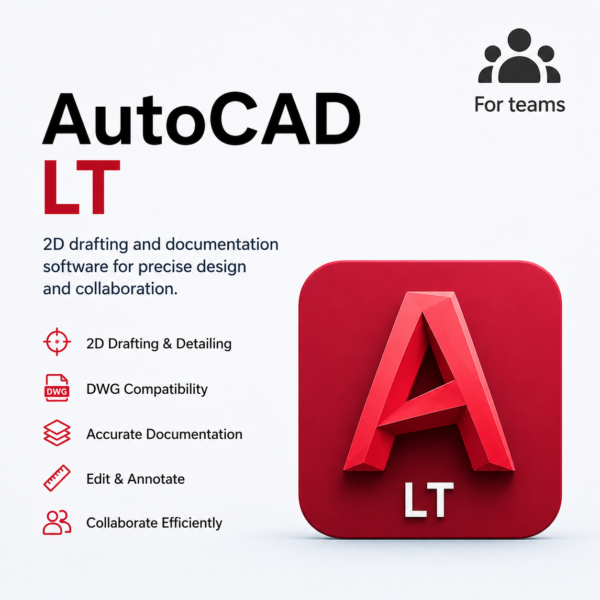
AutoCAD LT is professional 2D CAD drafting and documentation software that helps architects, engineers, designers, and businesses create precise DWG drawings, floor plans, layouts, dimensions, annotations, and technical documentation with powerful and easy-to-use drafting tools.

×

Talk to a Licensing Expert

Get personalized guidance to find the perfect software license for your business.

    Buy the best software for your business

    Trusted by 21000+ Happy & Satisfied Business.

    1000+

    Software

    Free

    Consultation

    Best Price

    Guaranteed

    Talk to a Licensing Expert

    Get personalized guidance to find the perfect software license for your business.

      Get Free Demo
      ×

      Talk to a Licensing Expert

      Get personalized guidance to find the perfect software license for your business.

        Buy the best software for your business

        Trusted by 21000+ Happy & Satisfied Business.

        1000+

        Software

        Free

        Consultation

        Best Price

        Guaranteed

        Talk to a Licensing Expert

        Get personalized guidance to find the perfect software license for your business.

          Get Free Consultation
          9.5/10 (Expert Score)
          Product is rated as #6 in category Autodesk

          Professional 2D Drafting with AutoCAD LT

          Precise CAD Drawing & Documentation Software

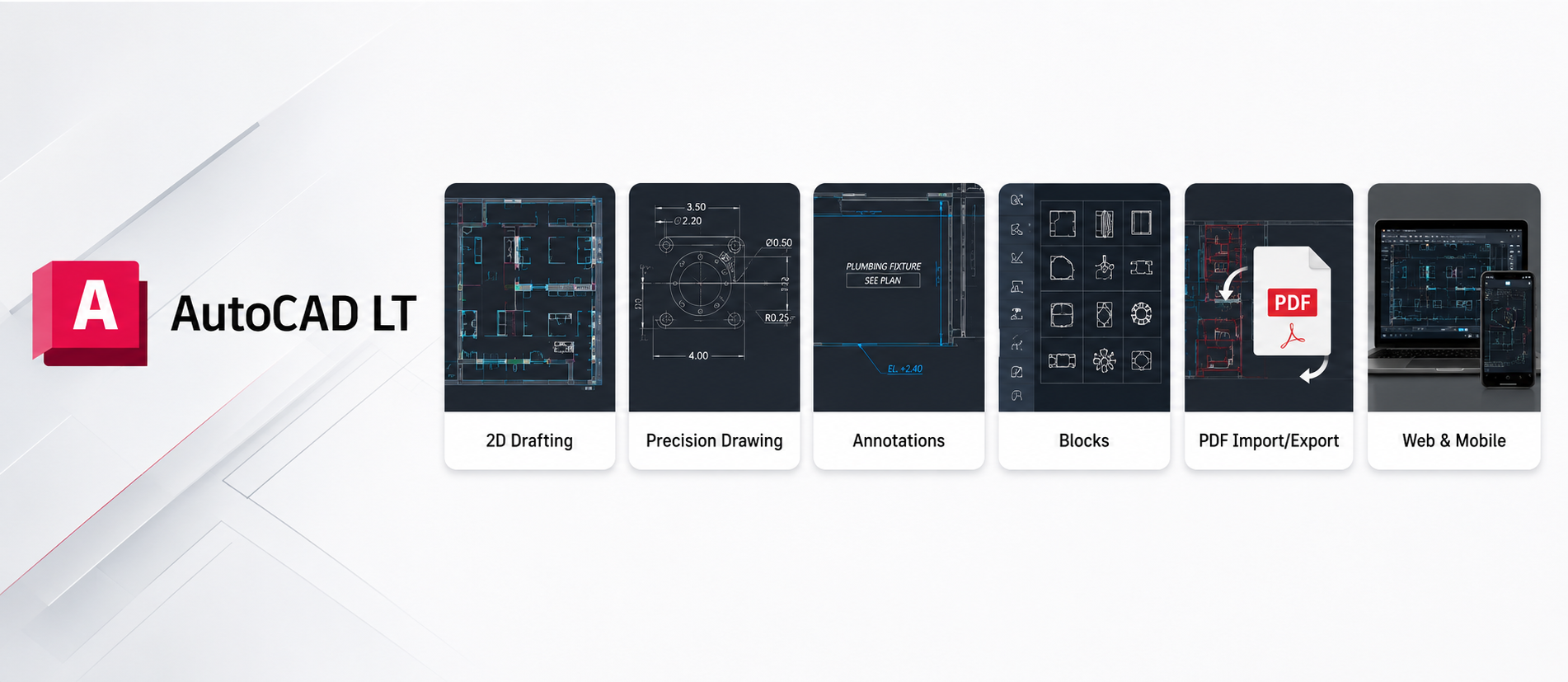
          Create accurate 2D drawings, floor plans, layouts, technical documentation, and DWG files with AutoCAD LT. Designed for architects, engineers, designers, contractors, and businesses, AutoCAD LT provides professional drafting tools for dimensions, annotations, layers, blocks, plotting, and PDF output. Work faster, maintain drawing accuracy, and manage everyday CAD projects efficiently with reliable 2D drafting software.

          Gmail for Business : Email with Google-powered search, up to 20 GB of storage, offline support, custom email addresses, and much more.
          Calendar : Easily schedule meetings at times that work for everyone, get meeting reminders, and share calendars.
          Google Drive : Google Drive allows you to share & store your files effortlessly in the cloud and have access to them from anywhere.
          Docs : Create, share and work on documents with your whole team in real-time.
          Sheets : Build, Edit & Manage spreadsheet data online with click-to-edit charts and discussion style comments.
          Slides : Create presentations together, embed videos, and never press save again.
          Hangout : Connect anywhere anytime whether in the office or at home through audio and video meetings with 25 people at a time.

          Get Gmail for business

          It’s the Gmail you already know and love designed for business, with more admin controls and no ads. Replace @gmail.com with your own custom domain to create professional email addresses like name@domain.in or sales@example.com

          Work faster, work smarter

          Collaborate on your files in real time with colleagues, quickly find space on everybody’s calendar, and take & schedule meetings from anywhere. Google Workspace has the business tools to boost your productivity.

          • The Base plan can be purchased for a maximum of 20 users, while Google Workspace Business Starter, Business Standard, and Business Plus plans can be purchased for a maximum of 300 users.
          • There is no minimum or maximum user limit for Google Workspace Enterprise plans.
          • Google Workspace customers may have access to additional features for a limited promotional period.
          • This price offer available to new Google Workspace customers only. This introductory price is only available for the first 20 users added, for 12 months. Standard pricing will apply to all users after 12 months. Final price will be provided by Software License Hub’s Sales team only.
            Google Workspace provides flexible pooled storage per user that is shared across the organization.

          FREQUENTLY ASKED QUESTIONS

          Google Workspace Business Base is an entry-level business productivity plan that provides professional email, cloud storage, and collaboration tools that are best for startups.

          This plan is an ideal option for small businesses, startups, and teams that need to improve their business communication with professional email and online collaboration tools.

          This plan includes many productivity tools, Gmail with a custom domain, Google Drive, Google Meet, Docs, Sheets, Slides, and Calendar.

          Yes, you can access Google Workspace tools through a mobile phone, tablet, or laptop by using Google apps.

          Yes, through Google Docs, Sheets, and Slides, multiple team members can work on a single document in real-time.

          Yes, when your team grows, you can easily upgrade to the high plans in the future.

          Yes, when your team grows, you can easily upgrade to the high plans in the future.

          Specification: Autocad LT

          Product Type

          2D CAD Drafting & Documentation Software

          Suitable For

          Architects, Engineers, Designers & Contractors

          Supported Platforms

          Windows, macOS, Web & Mobile

          DWG, DXF & PDF

          DWG, DXF & PDF

          License Type

          Subscription License

          User Reviews

          0.0 out of 5
          ★★★★★
          0
          ★★★★★
          0
          ★★★★★
          0
          ★★★★★
          0
          ★★★★★
          0
          Write a review

          There are no reviews yet.

          Be the first to review “Autocad LT”

          Your email address will not be published. Required fields are marked *

          Features:

          Professional 2D Drafting

          Create precise 2D drawings
          Draft technical plans efficiently
          Use professional drawing and editing tools

          Accurate Design Tools

          Draw with precise measurements
          Use object snaps and tracking
          Maintain accurate dimensions and geometry

          DWG File Compatibility

          Create and edit DWG files
          Open industry-standard CAD drawings
          Share DWG files with project teams

          Layers & Properties

          Organize drawings using layers
          Control colors and line types
          Manage object properties efficiently

          Annotation & Dimensions

          Add accurate dimensions
          Create notes and annotations
          Use text and tables in technical drawings

          Blocks & Reusable Content

          Create reusable drawing blocks
          Insert frequently used design elements
          Improve drafting speed and consistency

          AutoLISP Automation

          Automate repetitive drafting tasks
          Run supported AutoLISP routines
          Improve productivity with customized workflows

          Web & Mobile Access

          Access CAD drawings on supported devices
          View and edit drawings through web and mobile
          Work on DWG files away from the desktop

          Collaboration & Sharing

          Share drawings with project stakeholders
          Review and mark up CAD files
          Improve collaboration across design workflows

          Plotting & PDF Output

          Create professional drawing layouts
          Plot drawings at accurate scales
          Export and share CAD drawings as PDF files

          .

          Related Product:

          Civil 3D
          Arnold
          Autocad
          BIM 360
          .
          Shopping cart0
          There are no products in the cart!
          Continue shopping
          ×
          Software Hub Licence
          Logo
          Compare items
          • Total (0)
          Compare
          Shopping cart