Acrobat Pro for teams
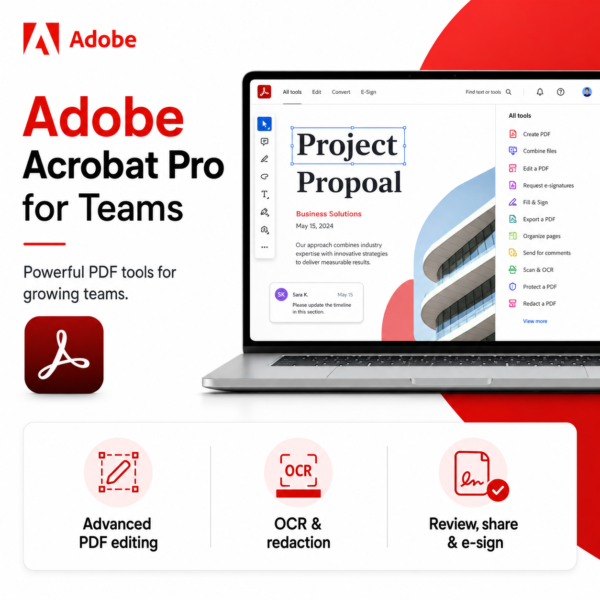
Adobe Acrobat Pro for teams is an advanced PDF solution that helps businesses create, edit, convert, organize, protect, compare, sign, and manage PDF documents with powerful tools for professional team workflows.


Trusted by 21000+ Happy & Satisfied Business.
Software
Consultation
Guaranteed
Trusted by 21000+ Happy & Satisfied Business.
Software
Consultation
Guaranteed
Adobe Acrobat Pro for teams is an advanced PDF solution designed to help businesses and teams create, edit, convert, organize, protect, compare, and share PDF documents with ease. With powerful document tools and a user-friendly interface, it simplifies everyday PDF workflows and improves team productivity. From editing text and images to OCR, redaction, document comparison, and advanced e-signature workflows, Acrobat Pro for teams gives businesses everything they need to manage digital documents professionally.
Adobe Acrobat Pro for teams is a powerful PDF and document management solution that helps teams create, edit, convert, sign, protect, compare, and organize PDF files for professional business use.
Handle complex PDF tasks quickly and efficiently with Adobe Acrobat Pro for teams. Edit text and images, convert files, organize pages, use OCR for scanned documents, compare PDF versions, redact sensitive information, collect e-signatures, and protect important files. Acrobat Pro for teams helps businesses streamline document workflows, improve collaboration, and manage professional PDF tasks with greater control and confidence.
Edit PDFs with advanced precision
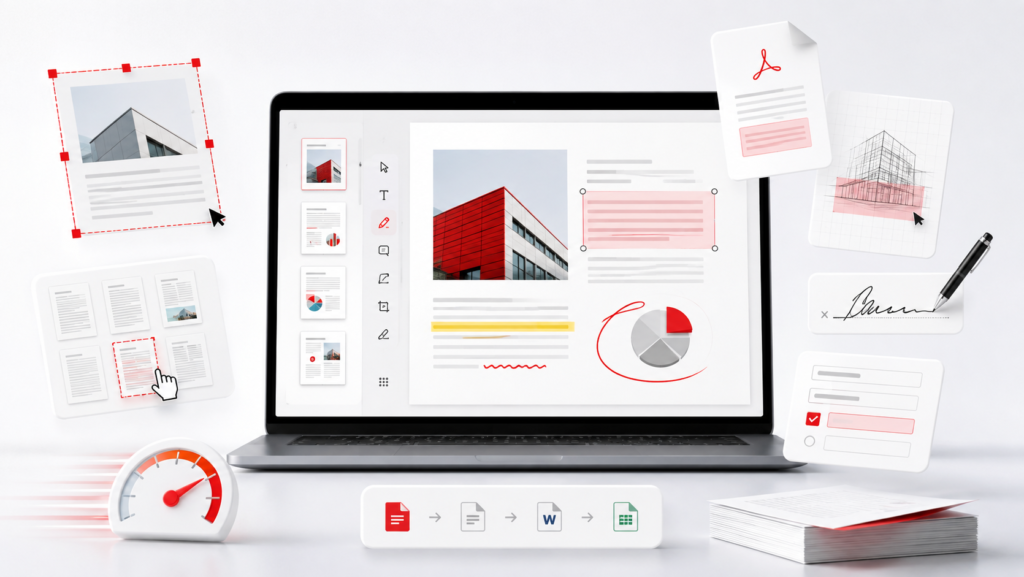
Adobe Acrobat Pro for teams gives your team advanced tools to edit and manage PDF documents efficiently. Update text and images, rearrange pages, use OCR on scanned files, compare document versions, redact sensitive information, and make professional changes without recreating the file from scratch.
Create, edit, convert, organize, protect, sign, and share PDF files with Adobe Acrobat Pro for teams. Advanced PDF tools help your team handle complex document tasks efficiently, use OCR, compare files, redact sensitive information, and manage important business documents with ease.
Create professional PDF documents from supported file formats.
Edit text, images, links, and other content directly inside PDF files.
Convert PDFs to Word, Excel, PowerPoint, and other supported formats.
Combine multiple files into one organized PDF document.
Split, rotate, reorder, insert, or remove PDF pages.
Fill, sign, and request electronic signatures on PDF documents.
Add comments, highlights, notes, and annotations for easier team collaboration.
Use OCR to turn scanned documents into editable and searchable PDFs.
Compare PDF versions and redact sensitive information securely.
Manage team licences and users conveniently through the Adobe Admin Console.
Adobe Acrobat Pro for teams is an advanced PDF solution that helps businesses create, edit, convert, organize, protect, compare, sign, and securely share PDF documents.
Can I edit PDF files with Acrobat Pro for teams?
Yes. You can convert PDF files to Word, Excel, PowerPoint, and other supported file formats while maintaining document formatting.
Yes. Acrobat Pro includes OCR technology that helps convert scanned documents into searchable and editable PDF files.
Yes. You can compare different versions of PDF files and permanently redact sensitive or confidential information from documents.
Yes. You can fill and sign PDF documents, request electronic signatures, and track signature workflows efficiently.
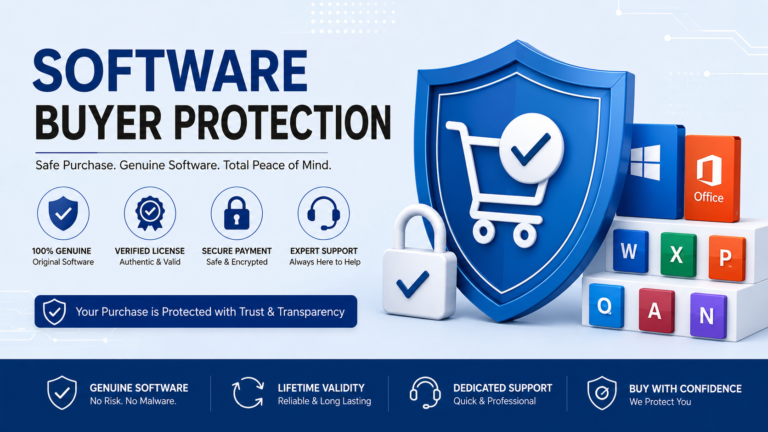
Software License Hub provides genuine software licensing, GST invoices, professional assistance, and reliable support for your business software requirements.
| Laptop | ||
|---|---|---|
|
||
| Software | ||
|
||
| Specification | ||
|
||
• Edit text and images directly in PDFs
• Adjust fonts, formatting, and layouts
• Add, replace, resize, or move images
• Convert PDFs to Word
• Convert PDFs to Excel
• Convert PDFs to PowerPoint
• Export PDFs to supported file formats
• Turn scanned documents into editable PDFs
• Recognize text using OCR technology
• Search and edit text in scanned documents
• Compare two PDF versions
• Identify text and image changes
• Review document differences quickly
• Permanently redact sensitive information
• Password-protect PDF documents
• Control document access and permissions
• Fill and sign PDF documents
• Request electronic signatures
• Track signature status and responses
• Manage multiple signature workflows
• Create web forms from PDF documents
• Collect e-signatures through web forms
• Send documents to multiple recipients
• Add branding to agreements
• Combine multiple files into one PDF
• Split and reorder PDF pages
• Insert, rotate, or delete pages
• Organize documents efficiently
• Share PDFs securely with others
• Add comments and annotations
• Highlight important information
• Simplify team document reviews
• Manage users with Adobe Admin Console
• Assign and reassign licences
• Integrate with Microsoft 365 and SharePoint
• Access advanced 24/7 technical support
Software Hub License Hub is a leading provider of end-to-end business software, hardware, and cloud technology solutions.
© 2026. All Rights Reserved. Created & Made with ❤️ Appneat Technologies
Trusted by 21000+ Happy & Satisfied Business.
Software
Consultation
Guaranteed

There are no reviews yet.