TeamViewer
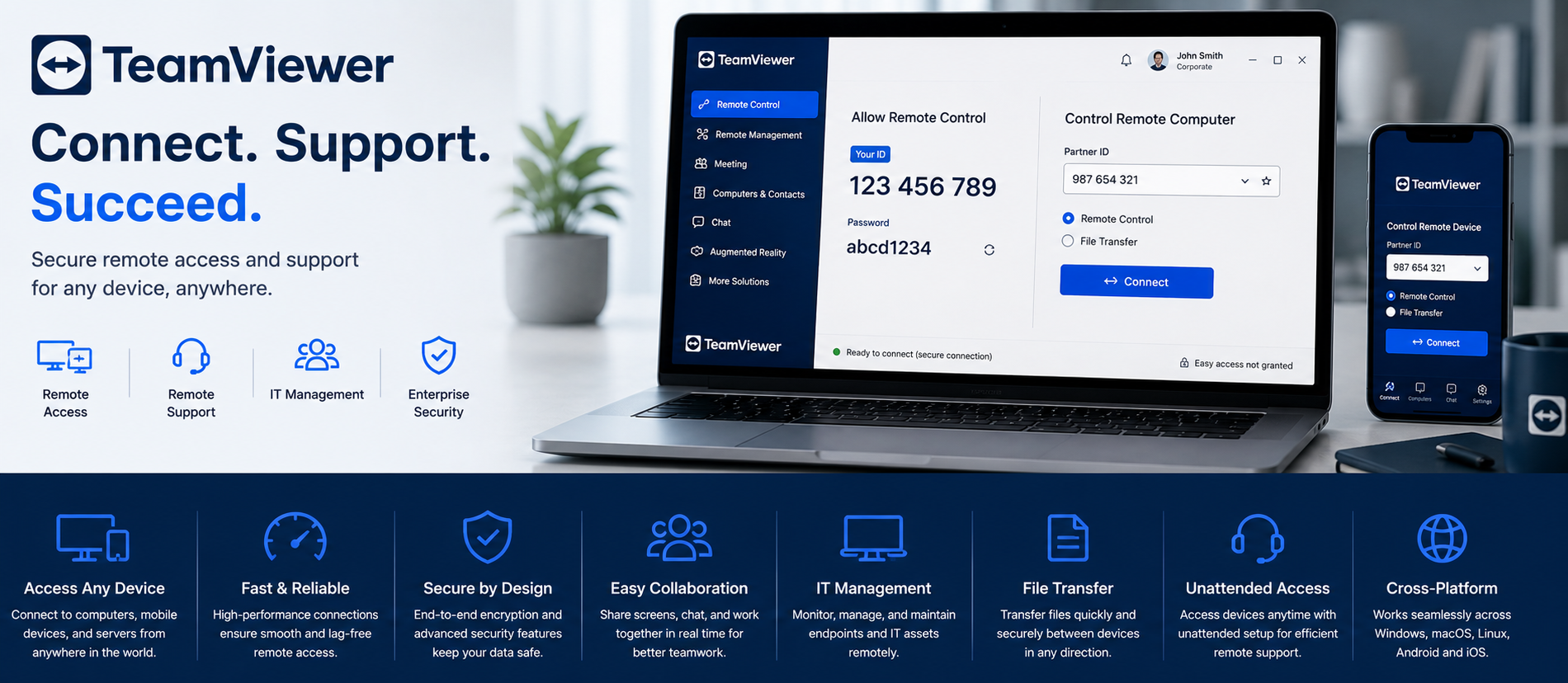
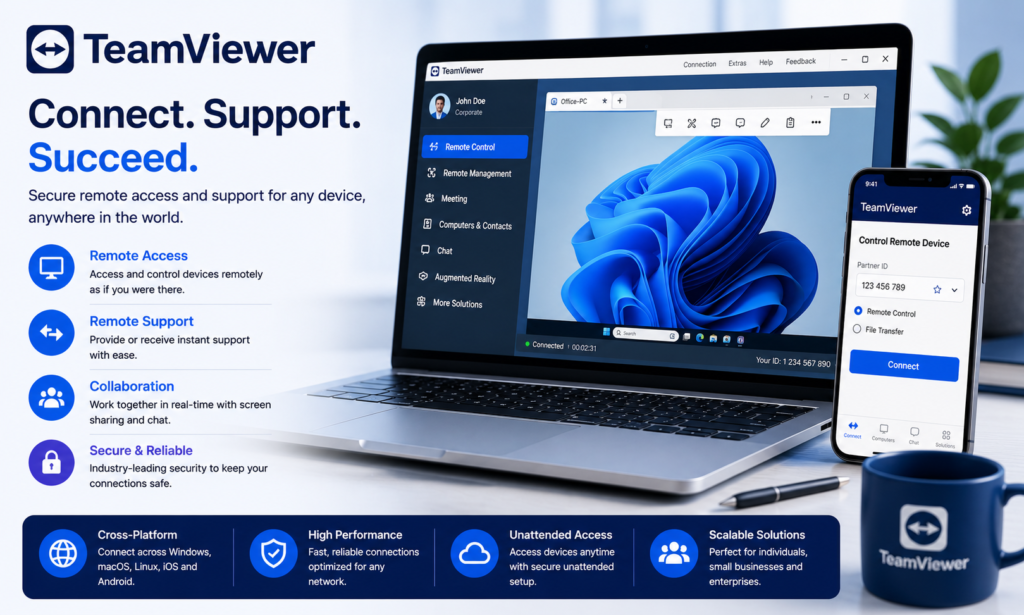
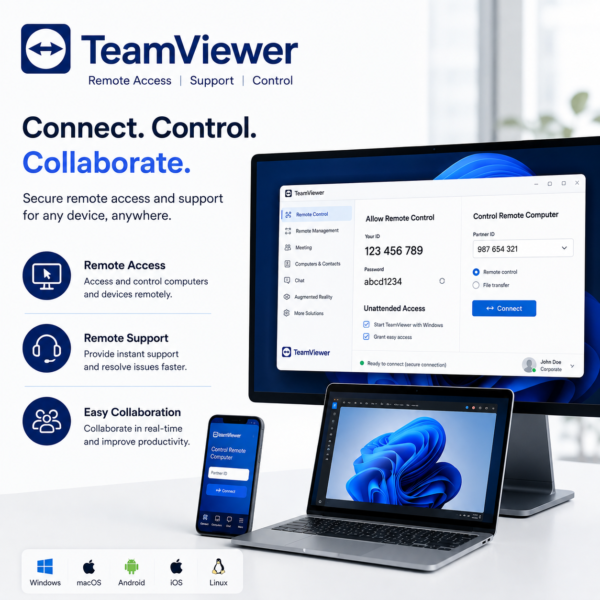
TeamViewer is a secure remote access and remote support solution that helps businesses connect to computers and devices from anywhere, provide IT assistance, transfer files, manage unattended systems, and support remote teams with centralized device management and encrypted remote sessions.

Talk to a Licensing Expert
Buy the best software for your business
Trusted by 21000+ Happy & Satisfied Business.
1000+
Software
Free
Consultation
Best Price
Guaranteed
Talk to a Licensing Expert
Buy the best software for your business
Trusted by 21000+ Happy & Satisfied Business.
1000+
Software
Free
Consultation
Best Price
Guaranteed
Talk to a Licensing Expert
- 100% GENUINE PRODUCT STARTUPS
- BEST PRICE GUARANTEE
- DISCOUNTS FOR STARTUPS
TeamViewer
Secure Remote Access, IT Support & Device Management for Modern Businesses
Connect, support, and manage business devices remotely with TeamViewer, a professional remote access and remote support solution designed for businesses, IT teams, help desks, enterprises, and remote workers. TeamViewer helps users securely access computers and supported devices from anywhere, troubleshoot technical issues, provide remote IT assistance, transfer files, and manage unattended systems with minimal disruption to everyday business operations.
With secure remote sessions, unattended access, cross-platform connectivity, file transfer, multi-monitor support, user permissions, and centralized device management, TeamViewer helps businesses improve IT support efficiency and reduce unnecessary onsite visits. Support office, remote, and hybrid work environments while simplifying device administration, accelerating issue resolution, and maintaining reliable remote connectivity across your organization.
Remote Access: Securely access business computers, laptops, servers, and supported devices from anywhere using TeamViewer for remote work, administration, and technical support.
Remote IT Support: Provide fast technical assistance to employees, customers, and remote users by connecting directly to supported devices without requiring an onsite visit.
Unattended Access: Configure authorized devices for unattended remote access so IT teams can manage servers, office computers, and business systems even when no user is present.
Cross-Platform Connectivity: Connect across supported Windows, macOS, Linux, Android, iOS, and other compatible environments to manage diverse business devices from one remote access solution.
Secure Remote Sessions: Protect remote connections with encrypted communication, authentication, permissions, and access controls to help maintain secure business support and administration.
File Transfer & Sharing: Transfer business files, documents, software, updates, and troubleshooting resources between connected devices during supported remote sessions.
Multi-Monitor Support: View and manage multiple displays on remote systems, switch between monitors, and improve productivity when supporting multi-screen business environments.
Device & User Management: Organize business devices, users, groups, permissions, and remote access settings through centralized TeamViewer management capabilities.
Remote Monitoring & Administration: Monitor supported devices, manage remote systems, perform troubleshooting, and support IT operations efficiently across office, remote, and hybrid environments.
Business Remote Support & Productivity: Use TeamViewer to reduce unnecessary onsite visits, accelerate issue resolution, support remote employees, simplify device administration, and maintain reliable business connectivity from anywhere.
Get TeamViewer for Your Business
TeamViewer helps businesses securely access, control, support, and manage computers, laptops, servers, and supported devices from anywhere. Provide remote IT assistance, troubleshoot technical issues, transfer files, access unattended systems, and support employees without requiring onsite visits. TeamViewer helps organizations improve response times, reduce downtime, and maintain reliable remote connectivity across everyday business operations.
Businesses can use TeamViewer for remote desktop access, unattended access, IT support, device management, file transfer, multi-monitor sessions, and secure remote administration across office, remote, and hybrid work environments. With centralized management, access controls, and secure remote sessions, TeamViewer helps IT teams simplify support and manage business devices efficiently. Software License Hub provides TeamViewer licensing in India with GST invoices, competitive pricing, licence guidance, setup assistance, deployment support, and reliable technical assistance.
Work smarter, support faster with TeamViewer
Transform your business IT support with TeamViewer, a professional remote access and remote support solution designed for businesses, SMEs, enterprises, IT teams, and help desks. Securely connect to computers, laptops, servers, and supported devices from anywhere to troubleshoot technical issues, provide remote assistance, transfer files, access unattended systems, and support employees while reducing unnecessary onsite visits and downtime.
With secure remote sessions, unattended access, cross-platform connectivity, file transfer, multi-monitor support, centralized device management, and user access controls, TeamViewer helps businesses improve IT support efficiency and maintain reliable remote connectivity. Support office, remote, and hybrid work environments while simplifying device administration, accelerating issue resolution, and improving overall business productivity.
• TeamViewer is a professional remote access, remote support, and device management solution designed for businesses, SMEs, enterprises, IT teams, help desks, and remote workers that need secure access to computers and supported devices from anywhere.
• Securely connect to business desktops, laptops, servers, and supported devices to provide remote assistance, troubleshoot technical issues, and manage systems without requiring an onsite visit.
• Use unattended access to connect to authorized business devices even when no user is present, making it easier for IT teams to manage office computers, servers, and remote systems.
• Support cross-platform remote connectivity across compatible Windows, macOS, Linux, Android, iOS, and other supported environments for flexible business IT operations.
• Transfer files, documents, updates, software packages, and troubleshooting resources securely between connected devices during supported TeamViewer remote sessions.
• Use multi-monitor support to view and manage multiple screens on remote systems, helping IT teams work efficiently in multi-display business environments.
• Manage users, devices, groups, permissions, and remote access settings through centralized TeamViewer management tools for better visibility and simplified administration.
• Protect remote sessions with encryption, authentication, access controls, and security policies to help maintain secure remote support and business connectivity.
• TeamViewer features, supported devices, concurrent sessions, management capabilities, integrations, remote monitoring options, and licence terms may vary depending on the selected TeamViewer plan.
• Software License Hub provides TeamViewer licensing in India with GST invoices, competitive pricing, professional licence guidance, setup assistance, deployment support, user configuration, and reliable technical assistance for business remote access and IT support requirements.
FREQUENTLY ASKED QUESTIONS
What is TeamViewer?
TeamViewer is a remote access, remote support, and device management solution that helps businesses securely connect to computers, laptops, servers, and supported devices from anywhere.
Who should choose TeamViewer?
TeamViewer is suitable for businesses, SMEs, enterprises, IT teams, help desks, service providers, and remote workers that need secure remote access, technical support, unattended access, and centralized device management.
What can I do with TeamViewer?
TeamViewer can be used for remote desktop access, IT troubleshooting, unattended device access, file transfer, multi-monitor support, remote administration, and centralized management of supported business devices.
Does TeamViewer support unattended remote access?
Yes. TeamViewer supports unattended access to authorized devices, allowing IT teams to remotely manage office computers, servers, and business systems even when no user is present.
Is TeamViewer secure for business remote access?
Yes. TeamViewer provides security capabilities such as encrypted remote sessions, authentication, access controls, permissions, and centralized management to help protect business remote connections.
Can TeamViewer transfer files between devices?
Yes. TeamViewer supports file transfer between connected devices, helping users securely move documents, software, updates, and troubleshooting files during supported remote sessions.
Why buy TeamViewer from Software License Hub?
Software License Hub provides TeamViewer licensing in India with GST invoices, competitive pricing, professional licence guidance, setup assistance, deployment support, user configuration, and reliable technical assistance.
Specification: TeamViewer
|
User Reviews
Be the first to review “TeamViewer” Cancel reply
Features:
Remote Desktop Access
Access computers and devices remotely
Control supported systems from anywhere
Support office, remote, and hybrid work
Remote IT Support
Provide technical support remotely
Troubleshoot devices without onsite visits
Resolve user issues faster
Unattended Access
Connect to authorized devices without user presence
Manage remote systems securely
Support servers and business computers remotely
Cross-Platform Connectivity
Connect across supported operating systems
Access desktops, laptops, and mobile devices
Support diverse business IT environments
Secure Remote Sessions
Protect remote connections with encrypted sessions
Use authentication and access controls
Improve security for remote support workflows
File Transfer
Transfer files between connected devices
Share business documents securely
Simplify remote troubleshooting and support
Multi-Monitor Support
View multiple remote displays
Switch between connected monitors easily
Improve productivity during remote sessions
Session Recording
Record supported remote sessions
Maintain records for training or review
Improve visibility of support activities
Device & User Management
Organize business devices centrally
Manage users and access permissions
Simplify remote access administration
Business Remote Connectivity
Support remote employees and IT teams
Reduce unnecessary onsite visits
Improve support efficiency and business continuity


There are no reviews yet.